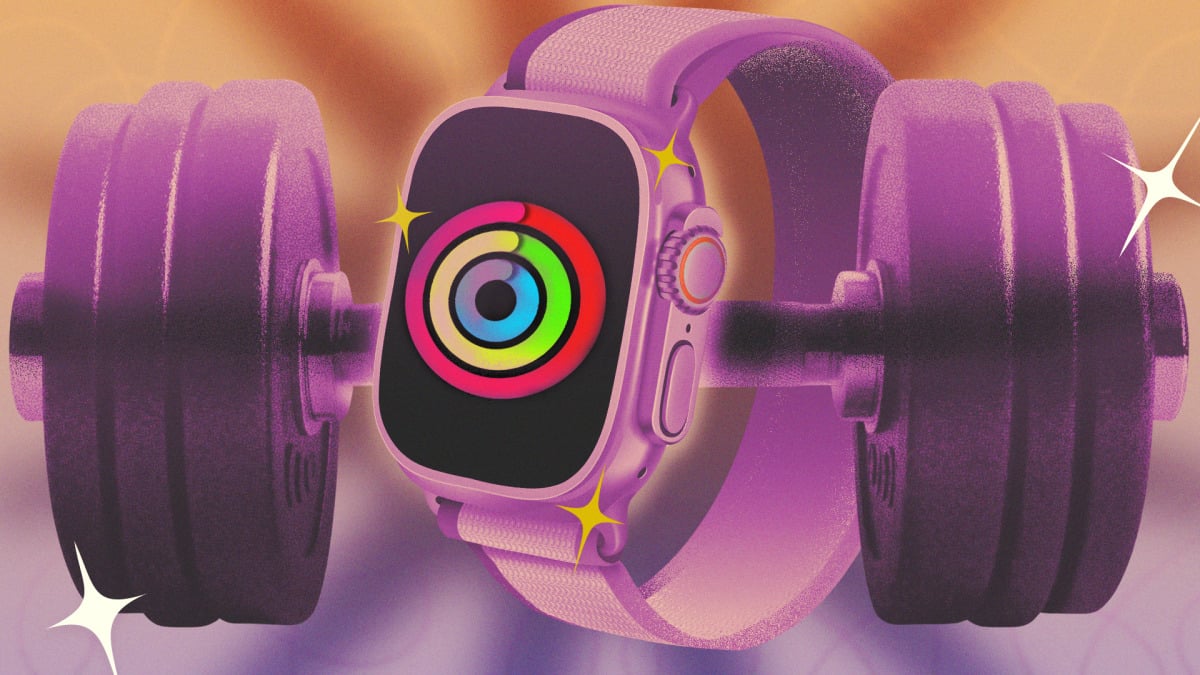
The Apple Watch is a powerful tool for following and tracking exercise. We’ve already shown you 10 hacks for all Apple Watch users, but I’m here with a follow-up on the fitness features, specifically. With these lesser-known settings, apps, and features, you can get more out of your workouts and your health data.
Give your Apple Watch rings a “rest day”

The Apple Watch’s Fitness app famously includes three rings (Move, Exercise, Stand) that you can close with activity throughout the day. Not only should you change your Move and Exercise goals to numbers that work for you (raising or lowering them as appropriate), you can also schedule in different goals for each day.
Originally, your Move, Exercise, and Stand goals were the same every day, but these days you can change your ring-closing goals, including adding rest days. Go to the Fitness app and tap the Activity Rings card, and then tap the “+/-” icon next to each goal. You can create a weekly schedule so that you have lower targets on certain days. You can also change a goal temporarily just for today—for example, reducing your Stand hour goal on a day you’re taking a road trip.


Wear your Apple Watch on your arm (or ankle)
The Apple Watch is meant to be worn on the wrist, but that doesn’t mean you have to wear it there. If your workout has you snatching kettlebells or bench pressing in wrist wraps, consider wearing the Watch on your upper arm. Or if you use a standing desk, your steps may not register unless you put the Watch on your ankle. Both of these locations will likely require a bigger wristband than what came with the Watch. Fortunately, you can buy an extra-long band, like this one.
Change the Apple Watch’s app view for easier tapping during a workout

This is a tiny hack, but one that makes it so much easier to operate your watch mid-workout: Press the crown, and you’ll see all your installed apps. By default, they appear as little icons clustered together. You can rearrange them if you like, but no matter the arrangement, they’re tough to accurately tap while you’re running down the street. Make life easier on yourself by scrolling to the bottom of this screen, and tap List View. This puts your apps in an alphabetical list, with the name next to each icon. It’s now far easier to tap anything you might need during your workout.
Use Bevel to gather your Apple watch data into a convenient dashboard

The Apple Watch collects a lot of data, but Apple doesn’t give you a convenient way to view it all in one place. The Fitness app has workout data, and the Health app stores everything else—but the Health app isn’t as user-friendly as you might wish. Third-party apps have stepped in to fill the gap. Bevel, for example, provides recovery scores and collects data in much the same way you’d see from a Whoop or Oura ring. There are other apps that do the same thing, like Athlytic, but I’m recommending Bevel because it has a free tier (and most of its functionality is on that tier). If you like the experience, consider shopping around to see if you prefer other apps.
Create custom intervals on your Apple Watch
The Workout app on Apple Watch has evolved quite a bit from its original format as a simple tracker with a start and stop button. The current version of the Fitness app has a little timer icon in the corner of each workout type, under the Workouts tab. Tap that, and you can view and edit custom workouts. Program yourself an interval workout, or a workout of a specific length. You can do this most easily from your phone—Apple has instructions here.
Use your Apple Watch to race yourself
If you run or bike the same route often, try the Race Route feature. Routes are automatically generated after you do the same run twice. On the Watch itself, go to the Workout app and choose a Run or Cycle workout, then tap the timer icon to bring up options including race routes. You can choose to race your personal best time on that route, or just your last workout on that route. During the activity, you’ll see whether you’re keeping pace with that previous workout.
What do you think so far?
Do a workout even without the Apple Watch

One of the best upgrades to iOS 26 is that the Fitness app can now track workouts even without the Apple Watch. If you left your watch at home but still want to get a run in, you can track it directly from your phone. Just go to the Fitness app, then Workout, and then tap whichever type of workout you’d like to do. If you choose an outdoor workout like a run, your phone will track your distance and pace with the phone’s GPS. If you choose an indoor workout, the app can still log the workout with a timer, but it won’t be able to collect any data. You’ll get a readout with the amount of time you worked out, and an estimate of your calorie burn, and you can rate your effort so the workout counts toward your training load. If you have a device that can measure your heart rate—like a chest strap or headphones like the Powerbeats Pro 2—you can pair that device directly to your iPhone, without involving the watch, and track your workout through the Fitness app with heart rate data intact.
Connect your Apple Watch to a treadmill
The Apple Watch is pretty good at judging distance and speed outdoors when you run, and your iPhone can do a good job of that, too. But once you’re indoors on a treadmill, only the treadmill knows how far you’re running. The Apple Watch’s distance estimations aren’t always very good. That is, unless you’re using a treadmill that can beam data directly to your watch. The treadmills in a lot of commercial gyms have this feature through a system called GymKit. In your Settings on the watch, go to Workout and turn on Detect Gym Equipment. When you use a compatible gym machine, there will be a spot on the console to tap your watch. You’ll hear a beep, and then the data on your watch will be synced to the data on the machine.
Install WorkOutDoors on your Apple Watch for more run data and mapping

We’ve seen that the stock Workout app has plenty of great features for running and other workouts, but many runners and hikers prefer a different option. The Apple Watch app WorkOutDoors gives Garmin-level mapping and data analytics during your run. It takes a bit of time to learn your way around all the features, but this is an incredibly powerful tool for just a small investment ($8.99 as a one-time charge).
Top up the Apple Watch’s battery before sleep
If you use the Apple Watch to track your sleep, you don’t have the option of charging it while you sleep. But don’t worry if it’s close to bedtime and you’re low on battery—Apple Watches, especially the most recent models, are designed to charge quickly for exactly this reason. The Apple Watch Series 11 only needs five minutes of charge time for eight hours of sleep tracking.
Originally published at Lifehacker